Formula 1 2006.
Some grabs for the game, F1 Championship edition. I was an environment and props artist for this game. I made all of the Indianapolis stands, a lot from other tracks, the whole track for Silverstone, and more on other tracks. If you observe the mirrors in gameplay, all the reflections are there, we had to rebuild everything as LOD's for that to work. You could use a PSP on each side and link that to the game for more realism/immersiveness, as they would act as mirrors. The rumble strips had code to define that your controller would shake/rumble. It was a great game at the time. I believe the real F1 drivers used this to practice before racing.
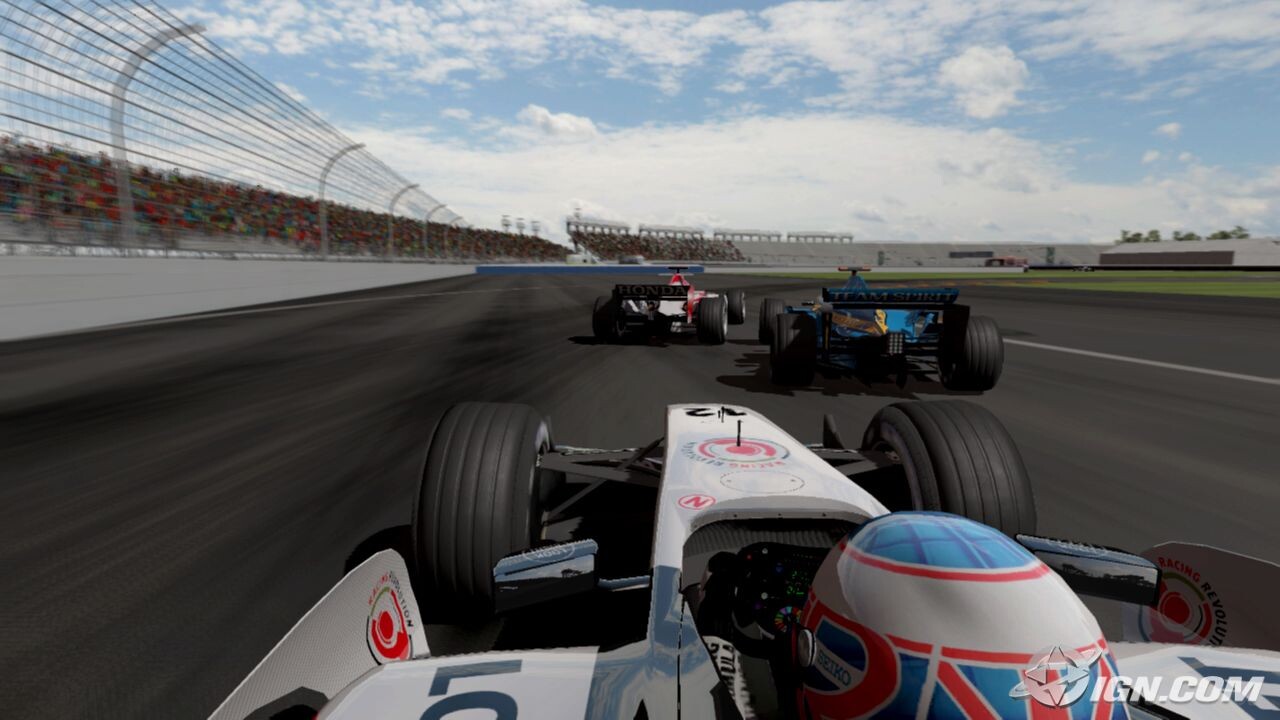
Grab from Indianapolis, I made the stands and peripheral buildings for this track
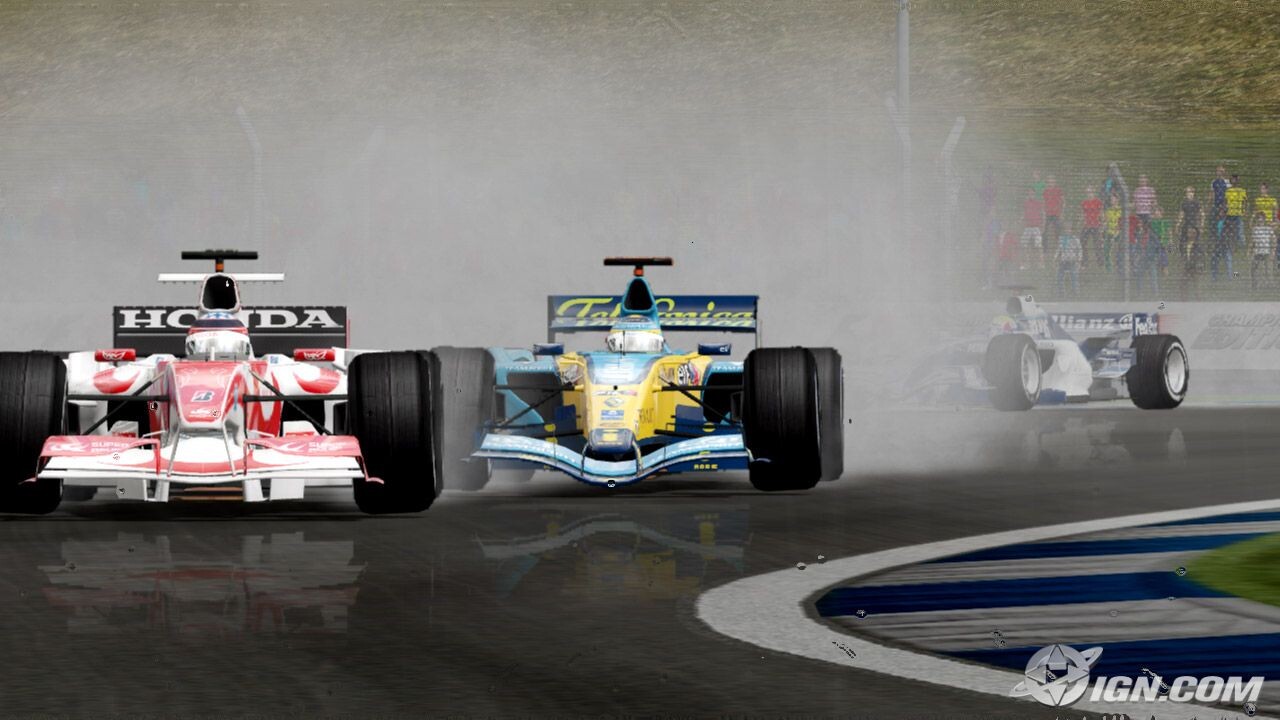
Grab showing gameplay and foreground rumble strip which I made as an environment artist.

In game grab.
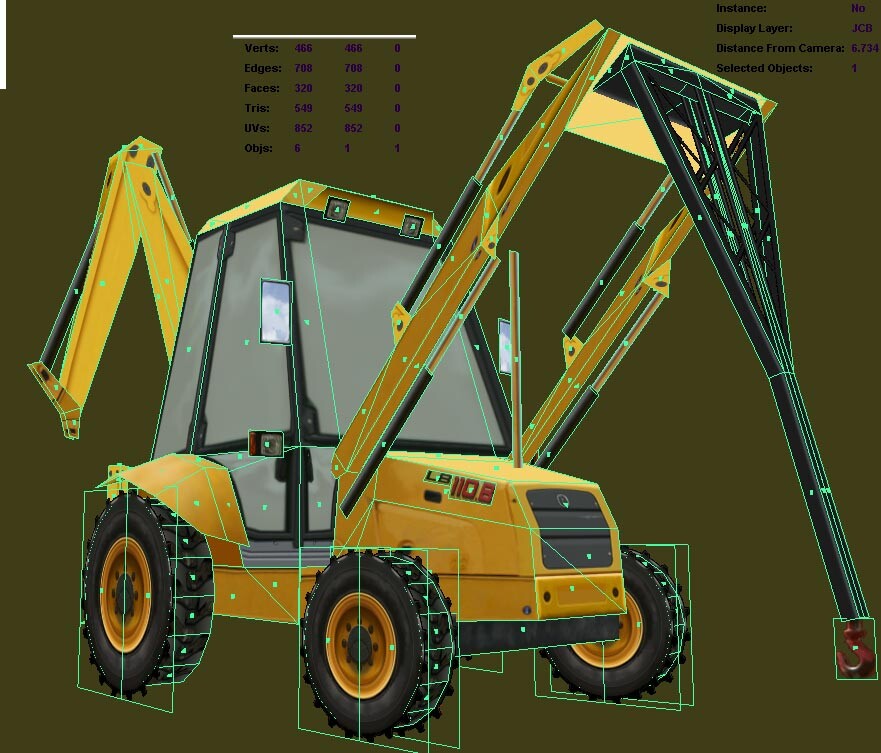
Simple polygon example of background props.
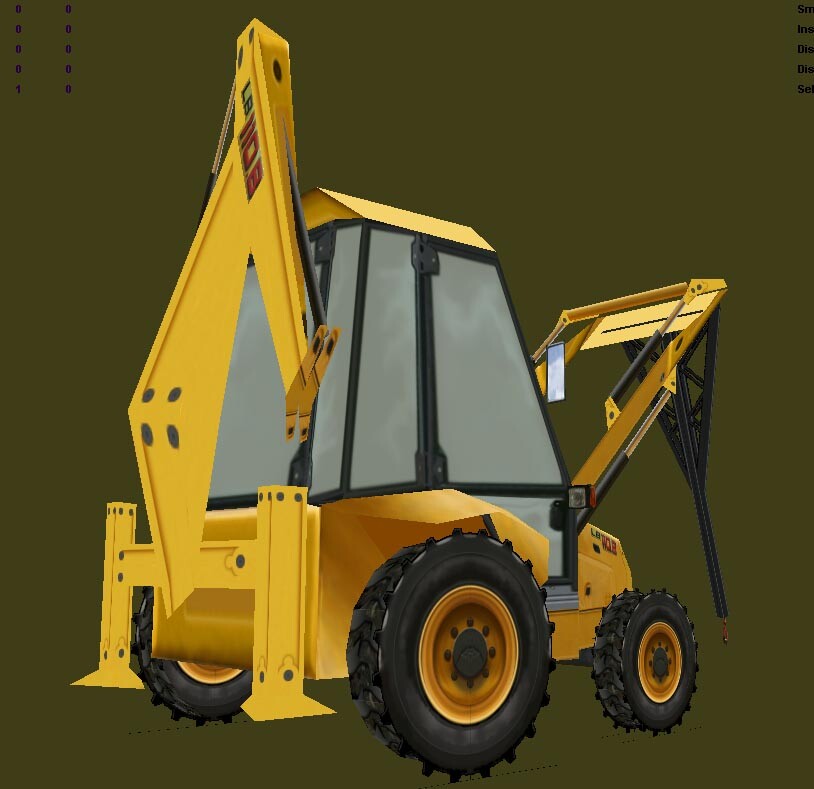
Background prop of Tractor.
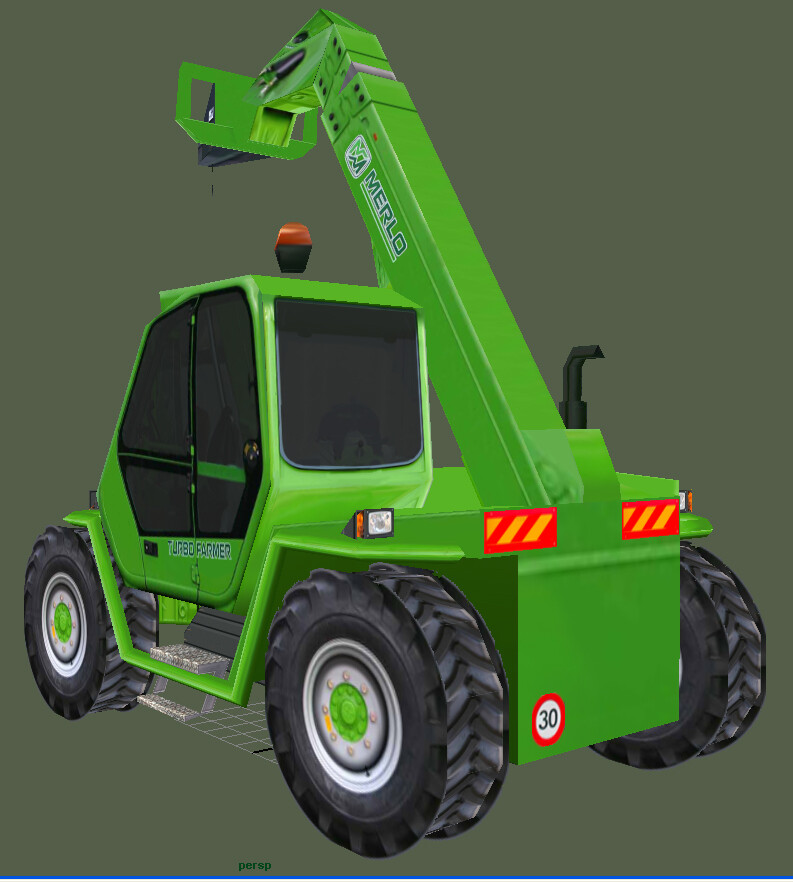
Background prop of kit used to remove crashed cars.
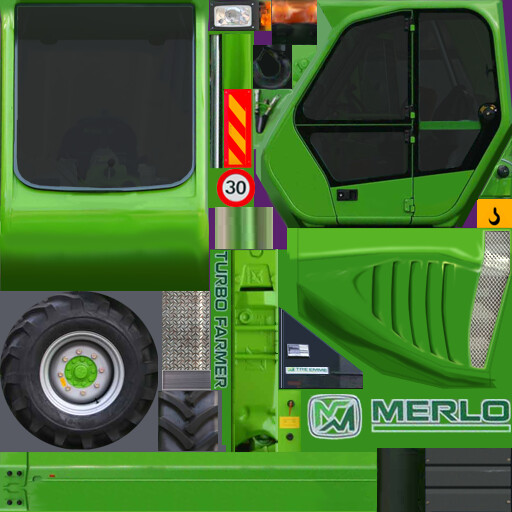
Prop diffuse texture

Prop reflection map texture. In game these black and white textures were embedded in several alpha channels.

Prop specular map texture. If applied in game as a seperate texture we would use a 128 or 256 max size texture for these.

Prop alpha map texture

"Rumble strip" at Silverstone. Maya screengrab to line up with the next image showing how we cut the geometry to use our texture trim sheets
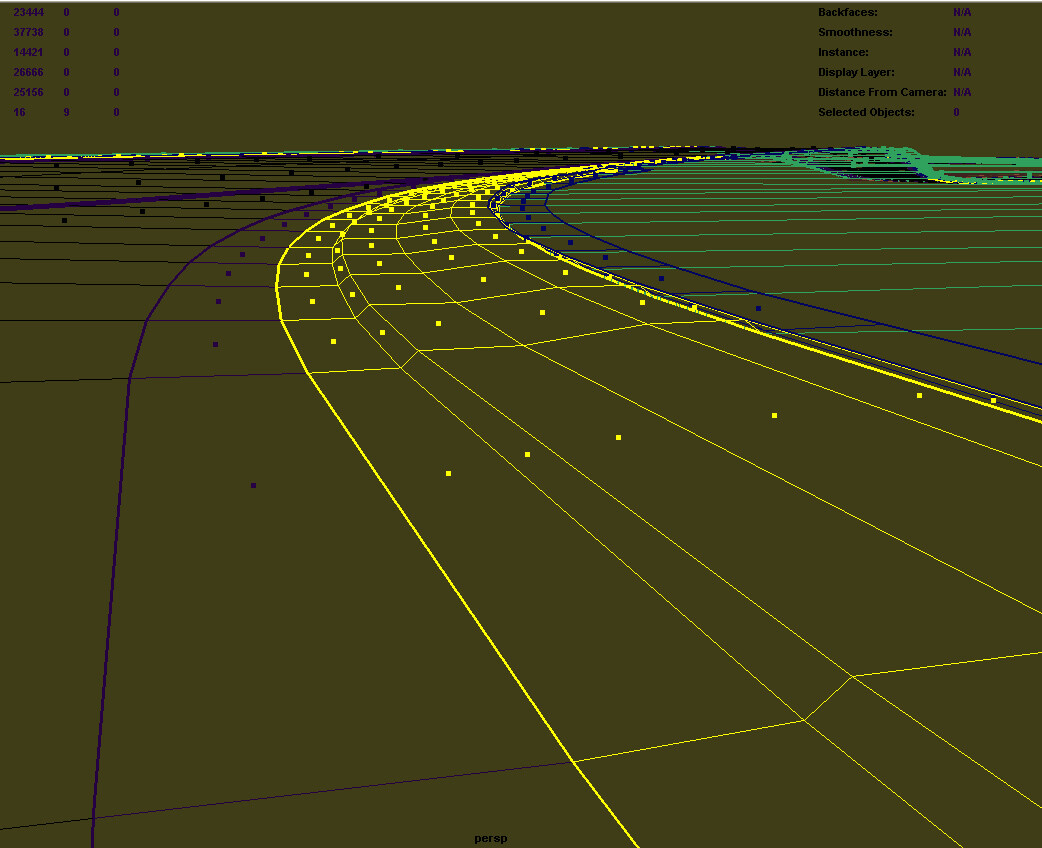
Geometry showing how track surfaces were modelled
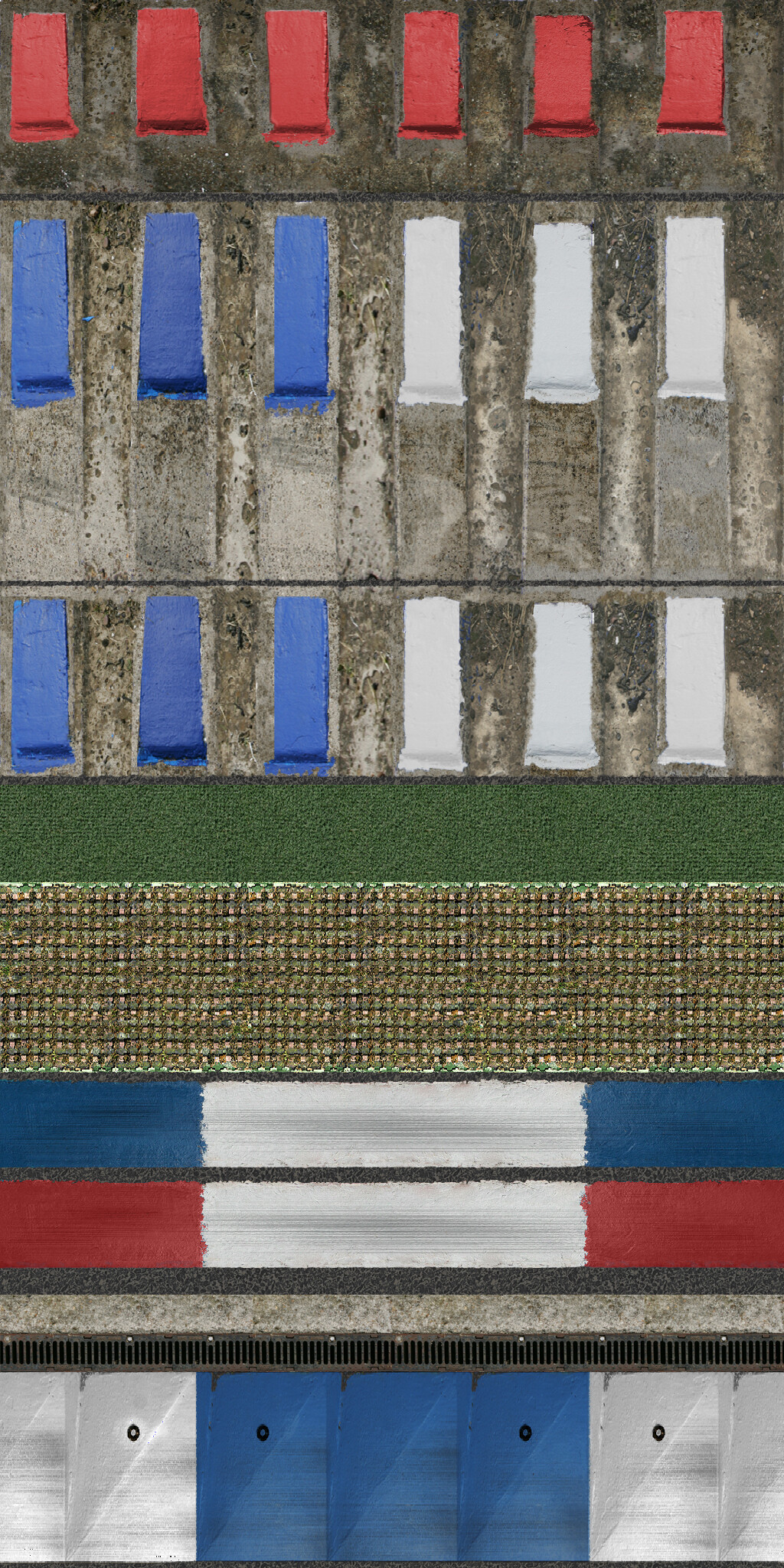
Diffuse texture for the Silverstone track surface and edges.
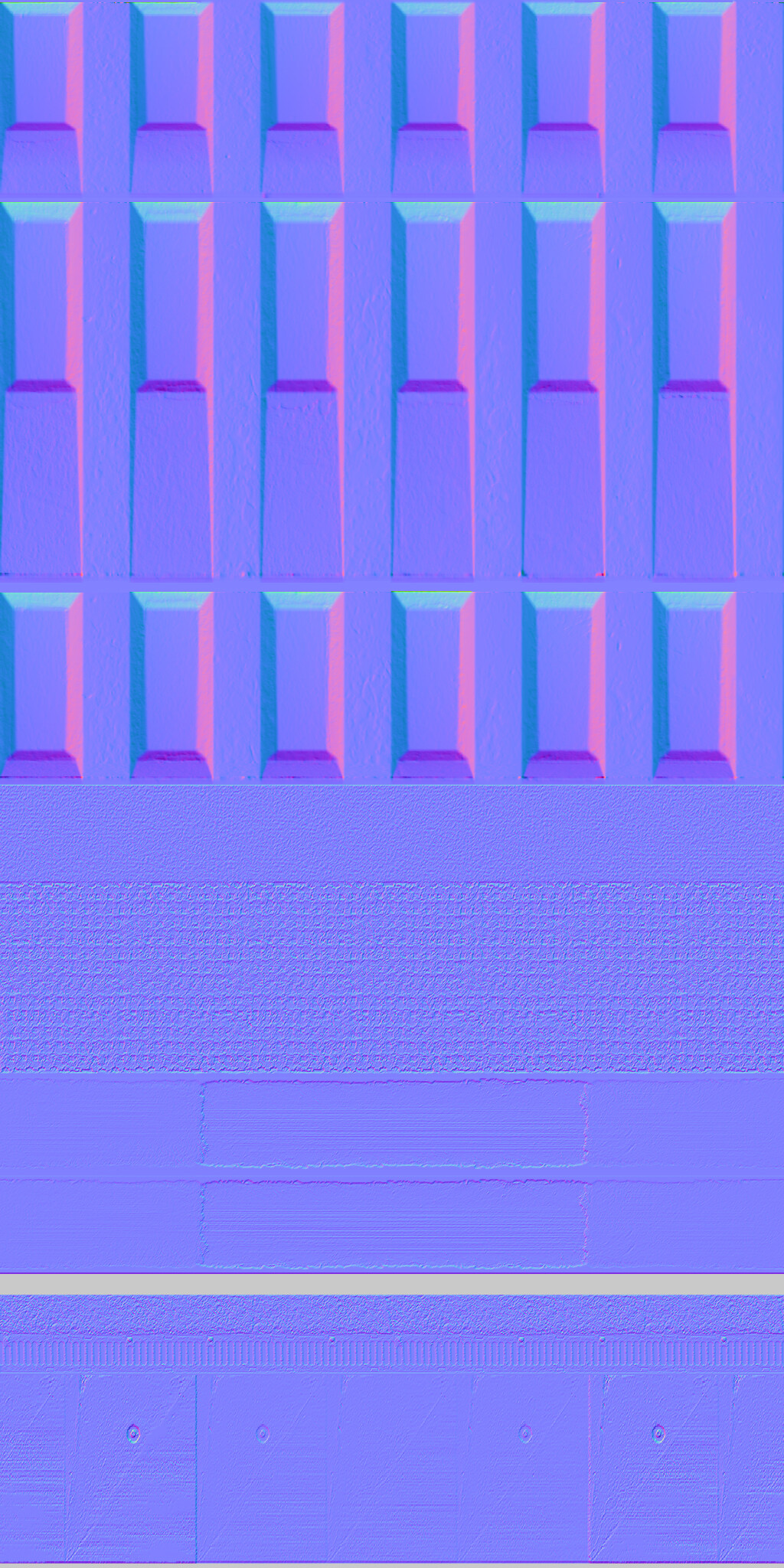
Normal map texture for the Silverstone track surface and edges. We made these either by simply modelling over a texture template so it can line up perfectly. Later we used Crazy Bump, which was not perfect as it required rework in Photoshop.

Stand I made for one of the tracks using Maya and photoshop
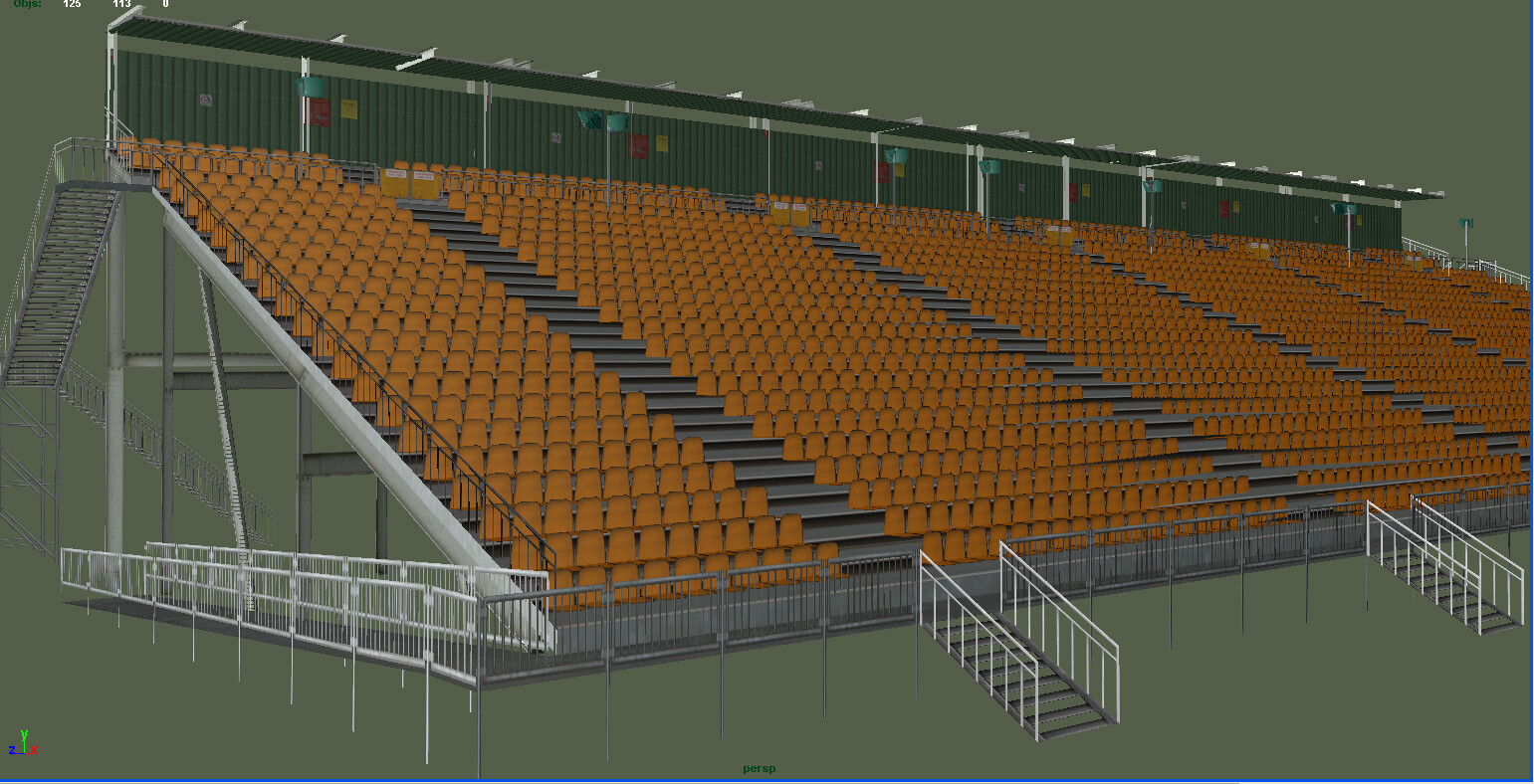
Melbourne stand.
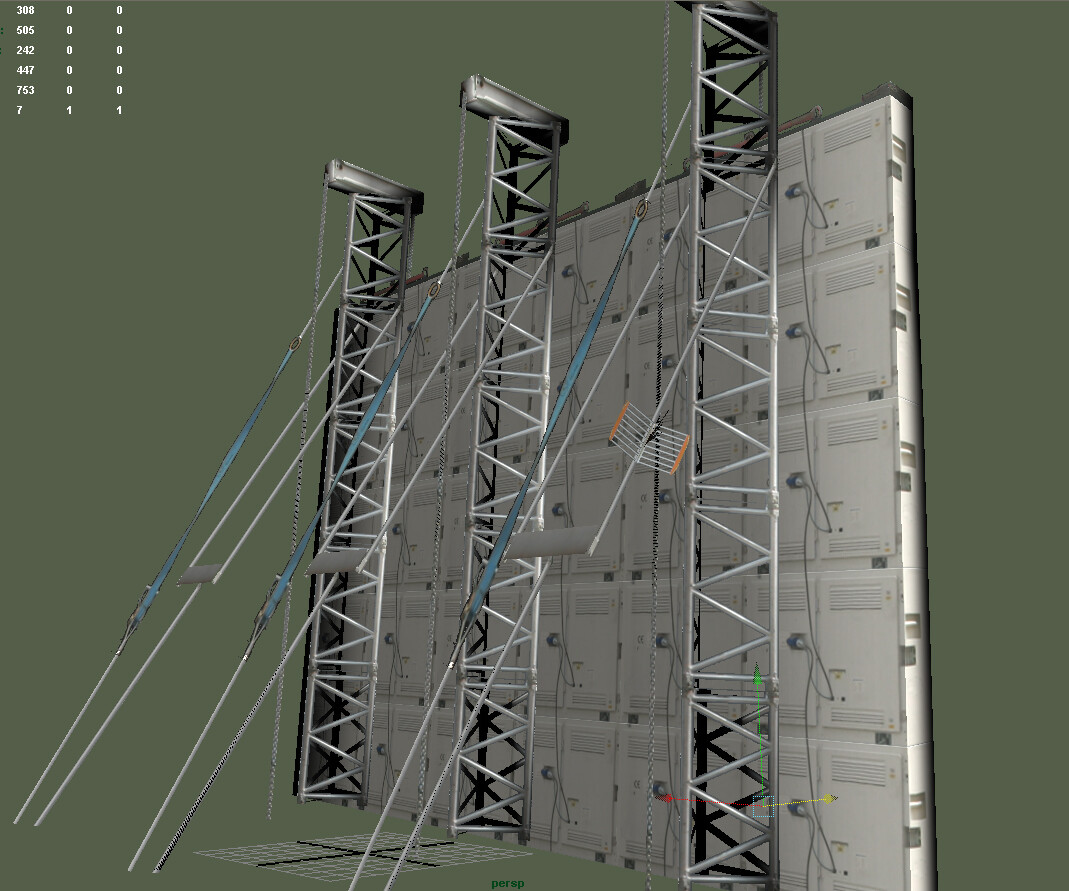
The back of a video display stand. The detail is in the texture, using alpha maps to create what looks like a lot of detail. This asset was placed on a hairpin on a track so you can see both sides.
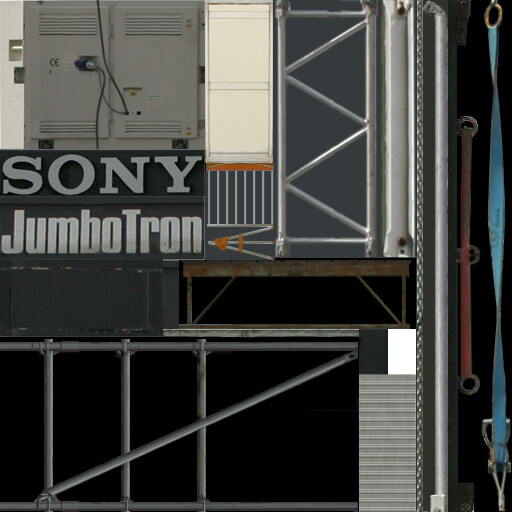
Using alphas to give the impression of detail. Such as scaffold tubes and twisted cable ties and chains.
Detail of gameplay. A lot of the work we did does not look good as stand-alone images. All the time we have to refine and keep low poly counts and limited texture sizes to deliver a decent framerate.